

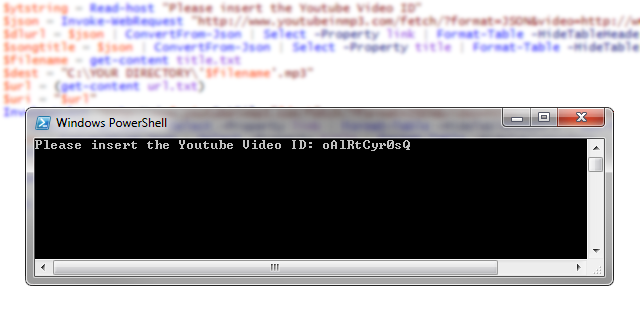
Happy New Years!
The following script will use YoutubeinMP3.com’s API to download the audio from most YouTube Videos. All you have to edit is the $dest variable and insert the directory that you want your mp3’s to go.
Note: This does not work with all videos! I have contacted YoutubeinMP3.com to figure out why certain videos do not work.
try {
    $ytstring = Read-host "Please insert the Youtube Video ID"
    $json = Invoke-WebRequest "http://www.youtubeinmp3.com/fetch/?format=JSON&video=http://www.youtube.com/watch?v=$ytstring"
    $dlurl = $json | ConvertFrom-Json | Select -Property link | Format-Table -HideTableHeaders | out-file url.txt
    $songtitle = $json | ConvertFrom-Json | Select -Property title | Format-Table -HideTableHeaders | out-file title.txt
    $filename = get-content title.txt
    $dest = "C:\Users\jespitia\Documents\Downloads\'$filename'.mp3"
    $url = get-content url.txt
    $uri = "$url"
    Invoke-Webrequest -Uri $uri -OutFile "$dest"
}
catch {
    write-host Please try another Video -ForegroundColor Red
}
Enjoy!