

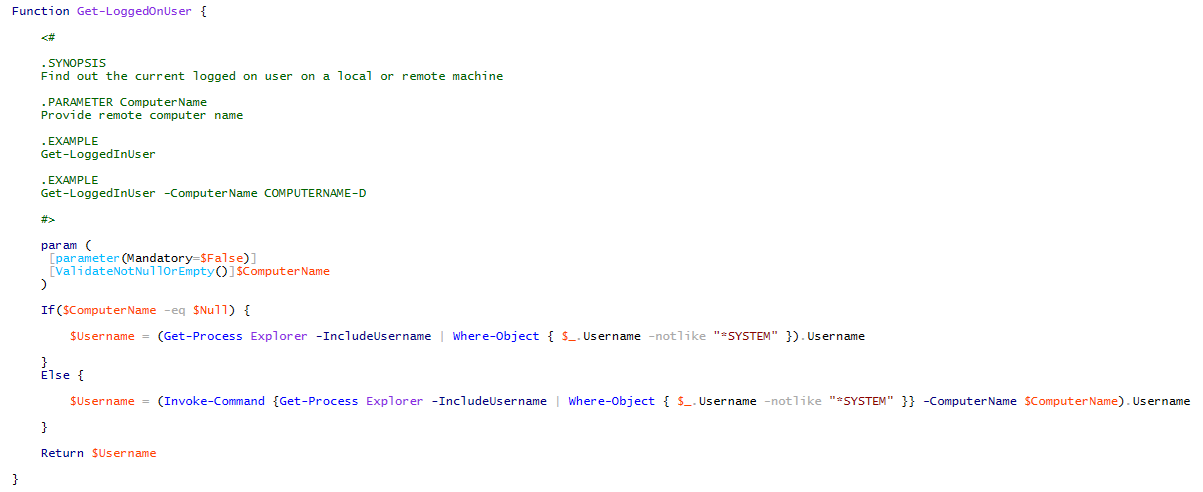
Use the Get-LoggedOnUser function to find out who is the current logged on user on a local or remote machine. The function can be useful for SCCM deployments or just trying to find out who is logged on a remote computer.
Examples:
Find out who is logged on to a remote machine:
Get-LoggedOnUser -ComputerName COMPUTERNAME-D
Find out the current local logged on user:
Get-LoggedOnUser
Source Code:
Function Get-LoggedOnUser {

    <#

    .SYNOPSIS
    Find out the current logged on user on a local or remote machine

    .PARAMETER ComputerName
    Provide remote computer name

    .EXAMPLE
    Get-LoggedOnUser

    .EXAMPLE
    Get-LoggedOnUser -ComputerName COMPUTERNAME-D

    #>

    param (
     [parameter(Mandatory=$False)]
     [ValidateNotNullOrEmpty()]$ComputerName
    )

    If($ComputerName -eq $Null) {

        $Username = (Get-Process Explorer -IncludeUsername | Where-Object { $_.Username -notlike "*SYSTEM" }).Username

    }
    Else {

        $Username = (Invoke-Command {Get-Process Explorer -IncludeUsername | Where-Object { $_.Username -notlike "*SYSTEM" }} -ComputerName $ComputerName).Username

    }

    Return $Username

}
me
Does this execute in windows 7 natively?
Jose Espitia
I’m honestly not testing with Windows 7 since it is no longer supported by Microsoft.